What sets the price of an LED display? The 8 factors behind the cost per square metre
Pixel pitch, brightness, LED package, cabinet, control system, structure and warranty decide what an LED display costs per square metre, and how to read a quote.
Two LED walls of the same size can sit at opposite ends of the market, because the cost of an LED display is set by its specification rather than by its area. Pixel pitch, operating environment, brightness, LED package, cabinet, control system, structure and warranty each move the figure, and pitch moves it more than the rest combined. This guide explains how those eight decisions build up the cost per square metre, where budgets are quietly wasted, and how to read two quotes for the same wall so that you are comparing the same product.
Why an LED display has no list price
An LED display is a system, not a product on a shelf: LED modules, the cabinets that carry them, power supplies, receiving cards, a sending card and video processor, steel structure, cabling and installation labour. The per square metre figure most quotes lead with usually covers only the first two items. Everything after that is engineered for the specific site and worked out once the survey is done, which is why two quotes showing the same figure per m² can describe very different projects.
The second source of confusion is pixel pitch. A P10 roadside billboard and a P1.2 boardroom wall are both sold as LED displays, yet one carries roughly seventy times more LEDs in every square metre than the other. Before the cost question can be answered, three things have to be settled: where the display will stand, how close the nearest viewer will be, and what content it will carry. The eight factors below are the mechanism that turns those three answers into a specification, and the specification into a figure.
The 8 factors behind the cost per square metre
1. Pixel pitch and the square rule
Pixel pitch is the distance in millimetres between the centres of two neighbouring pixels, and it is the single largest influence on cost. Because pitch applies in both directions, LED count changes with the square of the pitch: halving the pitch roughly quadruples the number of LEDs in a square metre. A P3.9 display carries about 65,700 pixels per m², a P1.9 display about 277,000 and a P1.2 display about 694,000. Every pixel means three LEDs, a share of a driver IC, power and heat, and everything downstream scales with that count.
That square relationship is why a step of one pitch class is never a small change. Finer pitch means more driver ICs, denser boards, tighter placement tolerances, more receiving card capacity for the same area, higher refresh rates to keep the image clean on camera, and more heat to move out of a thinner cabinet. It also weighs on every later repair, because a replacement module carries the same density. Choosing a pitch one step finer than the viewing distance requires is the heaviest decision most buyers make without noticing they have made it.
2. Indoor or outdoor
Outdoor displays use coarser pitches, so they carry far fewer LEDs per square metre, yet their cabinets are the more demanding half of the build. They need IP65 sealing front and rear, UV-resistant masks, conformal-coated boards, thermal management for both summer heat and winter frost, and larger power supplies to sustain brightness above 5,000 nits. An outdoor cabinet typically weighs 30 to 60 percent more than an indoor cabinet of the same pitch, and that weight travels straight into the steel and the lifting plan. Indoor displays spend their engineering on the opposite qualities: thinness, low weight, silent operation and a seamless surface.
3. Brightness
Brightness is measured in nits and dictates both LED grade and power supply capacity. Indoor walls need 600 to 1,500 nits; sun-facing façades need 5,000 to 10,000. At the same pitch an 8,000-nit module uses higher-current LED packages, heavier supplies and more aggressive heat management than a 5,000-nit one. Specifying more brightness than the site will ever use enlarges the specification and the annual energy draw without improving the image; specifying too little makes the display unreadable at midday. Our outdoor brightness guide covers how to match nits to ambient light.
4. LED package: SMD or COB
Surface-mount (SMD) packages are the standard choice at pitches of 1.2 mm and above. Below 1 mm, chip-on-board (COB) and flip-chip construction take over: the LED dies are bonded directly to the board and sealed under resin. The result is higher contrast, an impact-resistant sealed surface and lower power draw per square metre, but production yields are lower and the process is far less forgiving of error. The package, not the pixel count alone, is what separates an ultra-fine series such as XR Ultra from a conventional fine-pitch wall.
5. Cabinet material and service access
The cabinet is the frame that carries the modules, and its material sets both the cost and the quality of the installation. Die-cast aluminium cabinets are light, flat and machined to tight tolerances, which is why fine-pitch indoor walls use them to hold a seamless image across a whole surface. Sheet-steel cabinets are heavier and less precise. Front-serviceable cabinets need no rear access corridor, so the wall can sit flush against the structure, and magnetic module mounting turns a module swap into a two-minute job for the life of the display.
6. Control system and video processor
Every LED display is driven through a sending card and receiving cards, and most projects also need a video processor for scaling, multiple inputs and colour management. A single-source meeting-room wall needs very little of this. A multi-input stage, or a façade with redundant processing, fibre links and remote monitoring, needs a great deal more, and the distance between those two control specifications is wide. Receiving card quality sets grey-scale depth and refresh rate, so on any display that will appear on camera this is not the line to thin out.
7. Steel structure, installation and electrical
On top of the modules and cabinets come the steel structure, lifting equipment, installation labour, cabling and the electrical supply. Indoors these items are usually measured. Outdoors, where a façade connection, a structural engineering report and a crane are involved, they can rival the display itself and they vary enormously from site to site. A wall hung on an existing steel frame and the same wall on a new pylon with foundations and columns are two different projects with the same square metres. A figure given before a site survey is the figure that changes later.
8. Warranty and service
The market standard warranty is two years, and three- and five-year packages are available on most series. What the warranty covers matters more than how long it runs: on-site response time, spare module stock and a written commitment on brightness decay all belong in the contract. On Xeron projects spare modules are delivered with the installation and set aside from the same production batch, so a module replaced years later shows no colour shift against its neighbours. A warranty without a response time is a document, not a service.
Indoor displays: what the specification implies
Indoor projects divide into three practical groups, and each group is defined by viewing distance rather than by budget. Stages, auditoriums, showrooms and large atriums are watched from four metres and beyond, where P2.5 to P3.9 resolves cleanly. Lobbies, briefing rooms and retail flagships put viewers within two metres, which is fine-pitch territory: the XR Fine range covers this band. Boardrooms, control rooms and broadcast studios, where the surface is read from arm's length or shot on camera, are where sub-1 mm COB earns its place.
Worked example: a 4 × 2.25 m lobby wall at P1.9
A corporate lobby wall 4 m wide and 2.25 m high covers 9 m² and lands exactly on 16:9. At P1.9 that is about 2,105 × 1,184 pixels, just above Full HD, and it reads cleanly from the two metres a reception desk allows. The specification that follows is concrete: roughly 2.5 million pixels and some 7.5 million LEDs, an average draw near 1.35 kW at office brightness, an aluminium support frame, flush-mount installation, a single-source control chain and a spare module set from the same batch. Those quantities are what a quotation is built on, and Xeron works out the figure once the site has been surveyed.
Outdoor displays: the cost moves from the modules to the structure
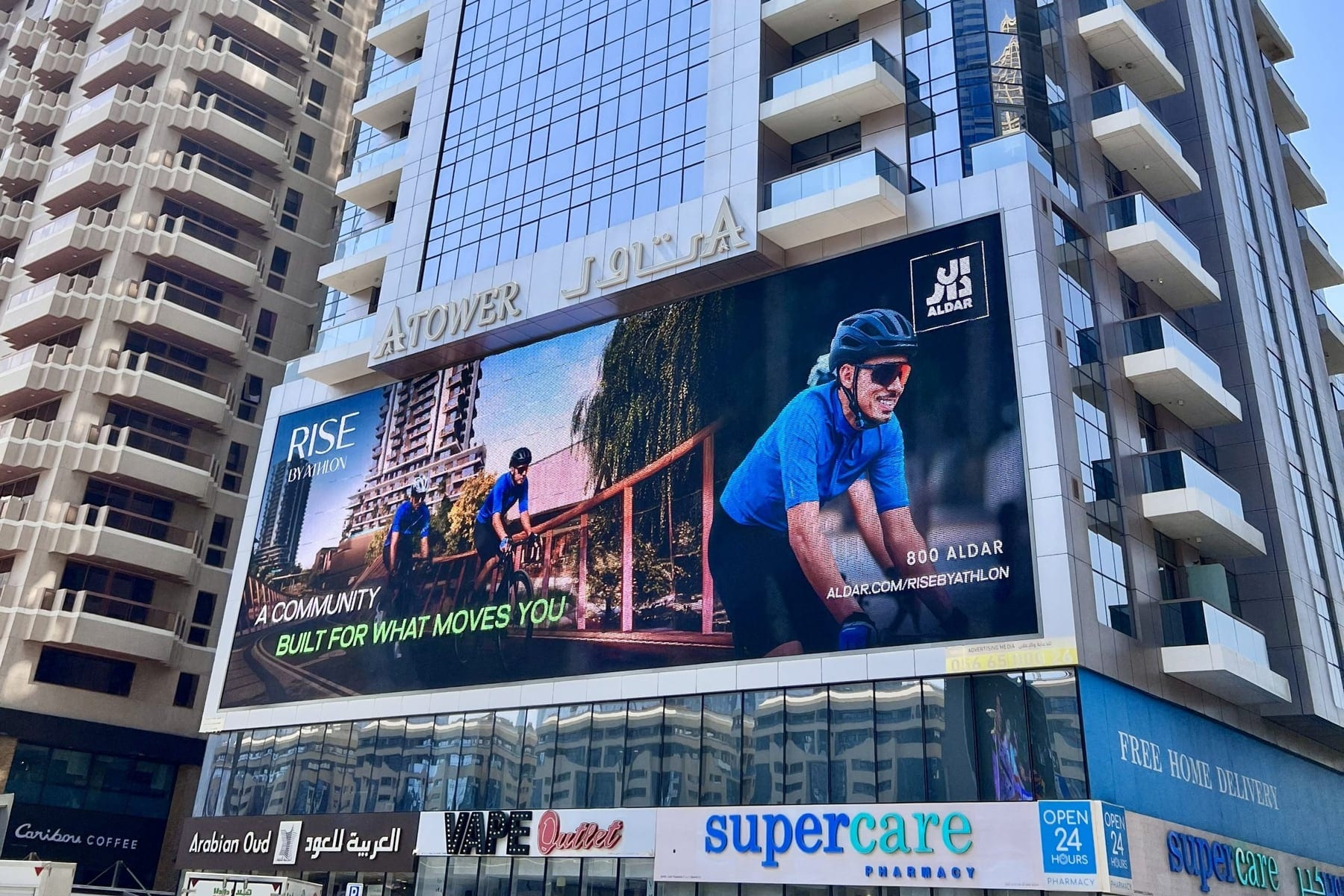
Outdoor displays carry fewer LEDs per square metre, but the share of the work taken by cabinets, steel, electrical supply and access equipment is far larger than indoors. Fixed outdoor products between P5 and P10 serve traffic and street distances; near-field outdoor pitches such as P4 and P3.9 are for pedestrian frontages where viewers stand within a few metres. The step from 5,000 to 8,000 nits changes the module, the power supply and the thermal design at any given pitch, so brightness is specified from the orientation of the site, not from a preference.
Transparent mesh is a class of its own. At P16 and above, products such as XR Air mount in front of or behind a glass façade, let wind load pass through and cover very large surfaces with very little structure. For a project that wants to turn an entire building face into a media surface, the deciding variables are total area, transparency ratio and structural load rather than the pitch specification alone.
Worked example: an 8 × 4 m façade display at P6.9
A façade display facing a street, 8 m wide and 4 m high, covers 32 m². At P6.9 the resolution is about 1,160 × 580 pixels, which is more than enough for viewing distances that start at ten metres. The specification behind it reads: roughly 21,000 pixels per m², an average draw around 250 W/m² with automatic dimming, some 8 kW across the whole wall, a structural report, façade connection steel, crane installation, an external control cabinet, a fibre link and a dedicated electrical circuit. Put the display on a pylon and foundations and columns join the list. Each item is quoted per project after the survey.
The figure at the bottom of a quote is a consequence of the specification above it.
What the display costs after it is installed
A ten-year view of an LED display includes electricity, spare modules, service, recalibration and content production, and these run for as long as the wall does. Electricity is the largest of them and follows directly from pitch and brightness. When comparing suppliers, ask for average power consumption rather than peak: the meter responds to what the wall draws with real content at real brightness, not to the rating on the datasheet, and the two numbers can differ by a factor of three.
Electricity: watts per square metre
A fine-pitch indoor wall can draw 500 to 650 W per m² at peak but averages around 120 to 180 W/m² at office brightness with typical content. For the 9 m² P1.9 lobby wall above, an average of 1.35 kW over 12 hours a day, 365 days a year, comes to roughly 5,900 kWh in a year. That is a measured and predictable load for a commercial building, and being predictable at the specification stage matters more than the number itself.
Outdoors the picture changes. A P6.9 façade cabinet draws 700 to 800 W per m² at peak and, running at full brightness by day with automatic dimming at night, averages around 250 W/m². Across 32 m² that is about 8 kW; at 16 hours a day the annual consumption is roughly 47,000 kWh. Over a ten-year life that is a substantial operating load, which is why an ambient light sensor with automatic dimming is not an option on an outdoor display but a requirement.
Spare modules, service and calibration
Stock spare modules equal to 2 to 5 percent of the total module count at installation, taken from the same production batch. It is a small addition at the time and it removes the problem of matching a batch years later, when the original production run no longer exists. An annual maintenance visit covers cleaning, connector checks, power supply measurements and recalibration where the wall has drifted. Outdoors, a seal and fan inspection at least twice a year is the single most useful item on the schedule.
Where the money actually goes wrong
A quotation that sits well below every other one is usually not a cheaper version of the same product but a different product. The difference hides where the quote is silent: LED chip grade, driver IC quality, power supply redundancy, cabinet flatness and warranty scope. None of it is visible in the first year. From the third year it returns as colour drift between cabinets, dead pixels and downtime on exactly the days the wall was bought for. Our article on COB and SMD packages explains why the package alone decides how a wall ages.
- 01Low-grade LED chips: visible colour and brightness differences between cabinets within a year or two, and a wall that no longer reads as one surface.
- 02Low refresh rate and shallow grey-scale: flicker on camera at events and banded gradients in dark scenes.
- 03No redundancy in power or data: a single failure blacks out a whole section of the display.
- 04A vague warranty: cover with no on-site response time and no spare stock commitment exists only on paper.
- 05Poor energy efficiency: a display drawing 20 percent more power at the same brightness carries that penalty every hour it runs, for ten years.
- 06A pitch chosen in a showroom: a specification set at one metre when the real viewing distance is six wastes LEDs nobody will ever resolve.
How to read and compare two quotes
Comparison only works when both documents describe the same product. Ask for the quote to be itemised, with module and cabinet, control system and processor, steel structure, installation labour, electrical and cabling, spare stock and warranty scope on separate lines, and with the specification stated alongside them. A single-line turnkey figure makes suppliers impossible to separate, because it hides exactly the decisions that create the difference between them.
- 01Pixel pitch, resolution and the viewing distance the pitch was chosen for.
- 02Brightness in nits, refresh rate in Hz and grey-scale depth, given as measured values rather than nominal ones.
- 03Average and peak power consumption in W per m², and the electrical circuit that follows from it.
- 04Cabinet material, weight per m², service access from the front or the rear, and flatness tolerance.
- 05What is included beyond the panels: steel, installation, cabling, electrical, commissioning and calibration.
- 06Warranty length, on-site response time, spare module stock and the brightness decay commitment.
- 07Whether a site survey has been carried out, and what the quotation assumes about the structure if it has not.
Specify first, quote second
The most effective way to control a budget is not to buy a cheaper display but to buy the right one. Because LED count scales with the square of the pitch, one step finer than the viewing distance requires can double the hardware in a wall for a difference no viewer will ever see. For the same investment, a larger wall at a coarser pitch delivers more presence in most lobbies and on most façades. The ten-times rule in our pixel pitch guide is the place to start that decision.
- 01Measure the closest realistic viewing distance and choose the pitch from that, not from a metre away in a showroom.
- 02Set brightness to the ambient light: above 1,000 nits indoors is usually capacity that is installed and never used.
- 03Design the aspect ratio around the content and around standard cabinet sizes, so no cabinet has to be cut or custom-tooled.
- 04Fix steel and installation into the specification after a site survey; a design that reuses the existing structure is the largest single saving available outdoors.
- 05Consider renting rather than buying for short-term needs; our LED screen rental guide explains how that process works.
- 06Ask for average power consumption and a spare module plan in the first conversation, not after the wall is installed.
How Xeron prices a project
Xeron quotes each project once the size, pitch, environment and installation method are known, because those four inputs determine everything else in the document. A site survey establishes the structure, the viewing distances, the ambient light and the electrical supply; the specification follows from the survey, and the quotation follows from the specification, itemised line by line with average power consumption stated. Send your requirements and site details through the Start a Project form and we will work through the pitch, the surface and the total cost of ownership with you.
Frequently asked questions
What sets the price of an LED display per square metre?
Eight things: pixel pitch, indoor or outdoor use, brightness in nits, LED package, cabinet material and service access, control system, steel structure with installation, and warranty scope. Pitch dominates, because LED count rises with the square of the pitch. Xeron prepares a figure for each project once size, pitch, environment and installation method are established at survey.
Why do P2.5 and P3.9 displays differ so much?
A P2.5 display carries about 160,000 pixels per square metre and a P3.9 display about 65,700, so roughly 2.4 times the LED count, driver ICs, power and heat in the same area. That difference runs through the module, the cabinet and every later repair. For stages and showrooms watched from four metres or more, P3.9 usually resolves perfectly well.
Why is an outdoor LED display more demanding than an indoor one?
Because almost everything except the LED count grows: IP65 sealing front and rear, brightness above 5,000 nits, conformal coating, thermal management, cabinets 30 to 60 percent heavier, engineered steel with a structural report, crane installation and a dedicated electrical circuit. An outdoor wall also runs at high brightness all day, so its annual energy consumption is several times that of an indoor wall.
Is installation included in an LED display quote?
Often not. The per square metre figure many suppliers lead with covers module and cabinet only; steel structure, installation labour, cabling, electrical supply and the control system are engineered for the site. Ask for a survey and for each of those items on its own line, so that two quotations for the same wall can actually be compared.
How much electricity does an LED display use?
A fine-pitch indoor wall averages 120 to 180 W per square metre at office brightness, so a 9 m² P1.9 wall runs near 1.35 kW and uses roughly 5,900 kWh a year at 12 hours a day. A P6.9 façade averaging 250 W/m² across 32 m² draws about 8 kW and roughly 47,000 kWh at 16 hours daily. Automatic dimming reduces both.
What should an LED display quotation include?
Pixel pitch and resolution, brightness, refresh rate, average and peak power, cabinet material, weight and service access, control system, steel, installation, electrical, spare module stock and warranty scope with an on-site response time, each on its own line. A single-line turnkey figure hides the decisions that separate one supplier from another.